


 BUY NOW AND GET FREE SHIPPING
On all orders over 500,- (DK only)
BUY NOW AND GET FREE SHIPPING
On all orders over 500,- (DK only)
 1-2 DELIVERY DAYS
Order before 12 noon and we will ship the same business day
1-2 DELIVERY DAYS
Order before 12 noon and we will ship the same business day
 14 DAY RETURN RIGHT


Couldn't load pickup availability
12 in stock : 1-2 weekdays


Free shipping on orders over 500 DKK in DK

Ships from Roskilde DK

Local service center in Roskilde

1 year warranty

Customer Service
Email: hello@3dsaga.com
Phone: +45 69 15 31 11
All weekdays from 10:00 - 15:00
Showroom:
Monday - Thursday: 09:30 – 15:30
Friday: 09:30 – 15:00
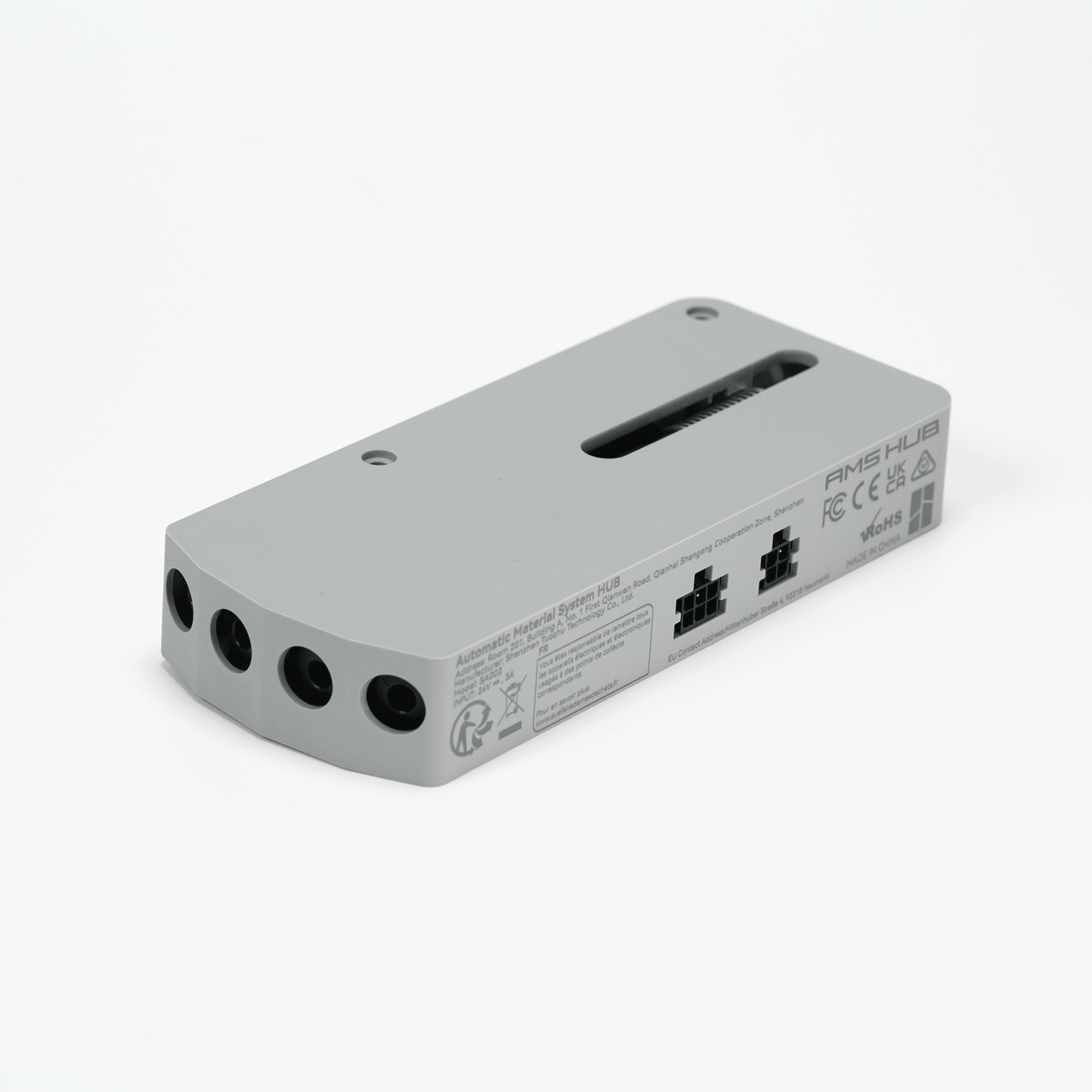
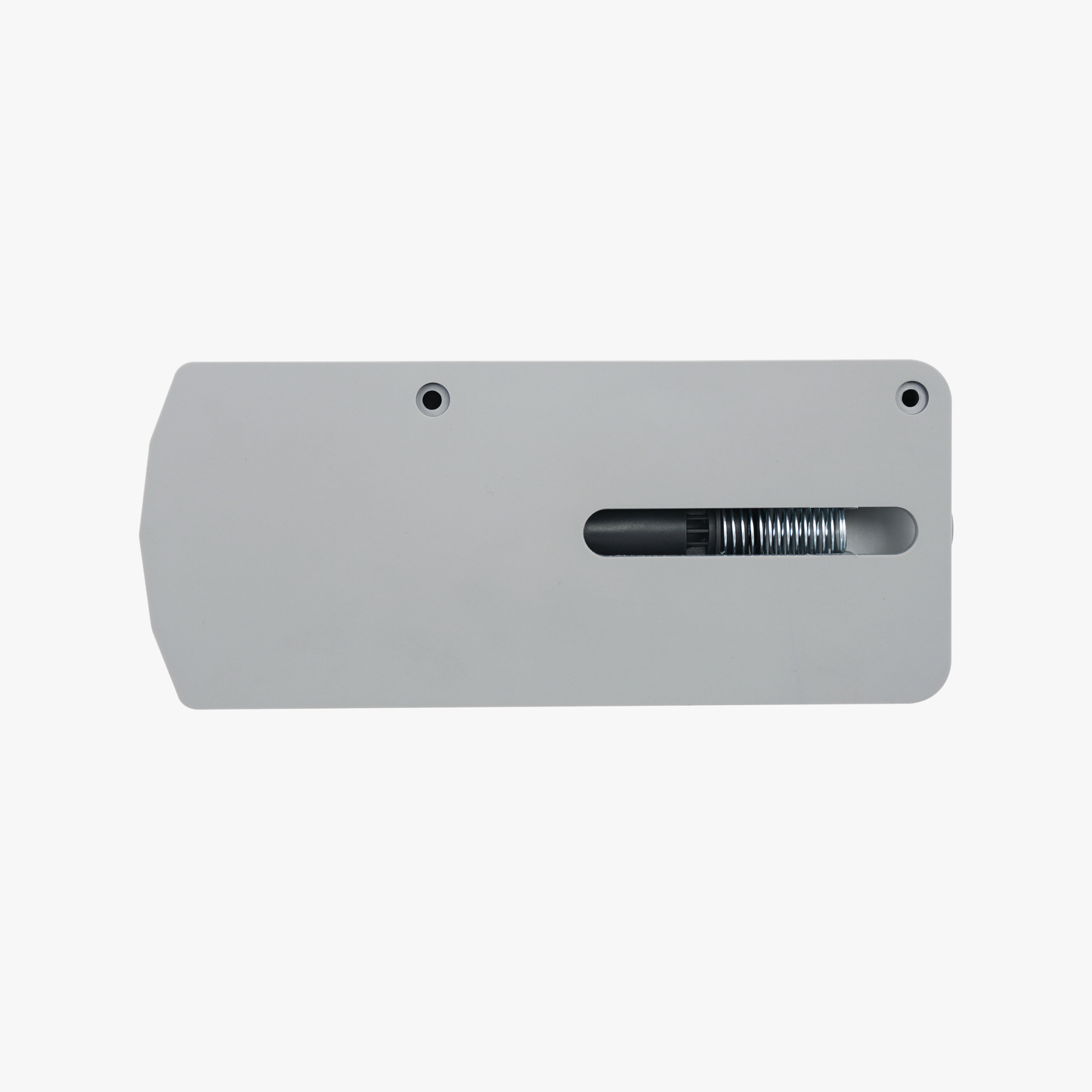

Bambu Lab AMS Hub – Expand your AMS capacity to up to 4 devices
With the AMS Hub from Bambu Lab, you can expand the number of AMS devices connected to your Bambu X1 or P1 series 3D printer from 1 device (4 filament channels) to up to 4 devices (16 filament channels). This improves the loading speed across multiple AMS devices and ensures a more stable and efficient filament supply via a buffered signal.
The package includes:
The AMS Hub comes with the necessary parts to connect 2 AMS devices to your printer.
To connect up to 4 AMS devices, you will need:
-
2 extra 6-pin Bus cables
-
2 extra PTFE tubes (2 meters)
These must be ordered separately.
Key features:
-
Compatible with Bambu Lab X1 and P1 series
-
Expand up to 16 filament channels
-
Optimized filament handling and faster loading
-
Supports redundant signal for reliable operation

*The image is for reference only. Please place the AMS unit on the left side of the AMS Hub during actual printing, otherwise the filament may easily get stuck in the PTFE tube.

Expand your AMS capabilities
The printer's built-in buffer only supports connecting one AMS device. When replaced with an AMS Hub, the printer can connect up to 4 AMS devices , allowing for handling up to 16 different filaments.

How-to video
See Bambu Labs Wiki Guide: How to Connect AMS Hub and Multiple AMS Devices
Installing AMS Hub
-
Assembly:
Install the AMS Hub on the back of your printer and replace the existing filament buffer if you have one. -
Cable connections:
-
Use the included Bambu 4-pin cable to connect the AMS Hub to the printer.
-
Then use a Bambu 6-pin cable to connect the first AMS.
-
Connect the other AMS units in series with additional 6-pin cables.
-
-
PTFE tube:
-
Use the included PTFE tube to connect the AMS Hub to the air connection on the back of the printer.
-
The tube should be routed between the 4-pin connector and the coil holder to minimize resistance.
-
-
Location and piping:
-
Select the appropriate length of PTFE tubing depending on the location of the AMS and printer.
-
The tube should be as short and straight as possible to reduce resistance and ensure efficient filament feeding.
-

Technical specifications – Bambu Lab AMS Hub
-
Product dimensions: 140 × 60 × 22 mm
-
Package dimensions: 235 × 167 × 40 mm
-
Product weight: 84g
-
Gross weight: 321g
-
Materials: Plastic, metal, printed circuit board (PCB)
-
Input voltage: 24V 3A
-
Color: Gray