


 BUY NOW AND GET FREE SHIPPING
On all orders over 500,- (DK only)
BUY NOW AND GET FREE SHIPPING
On all orders over 500,- (DK only)
 1-2 DELIVERY DAYS
Order before 12 noon and we will ship the same business day
1-2 DELIVERY DAYS
Order before 12 noon and we will ship the same business day
 14 DAY RETURN RIGHT


Couldn't load pickup availability
16 in stock : 1-2 weekdays


Free shipping on orders over 500 DKK in DK

Ships from Roskilde DK

Local service center in Roskilde

1 year warranty

Customer Service
Email: hello@3dsaga.com
Phone: +45 69 15 31 11
All weekdays from 10:00 - 15:00
Showroom:
Monday - Thursday: 09:30 – 15:30
Friday: 09:30 – 15:00
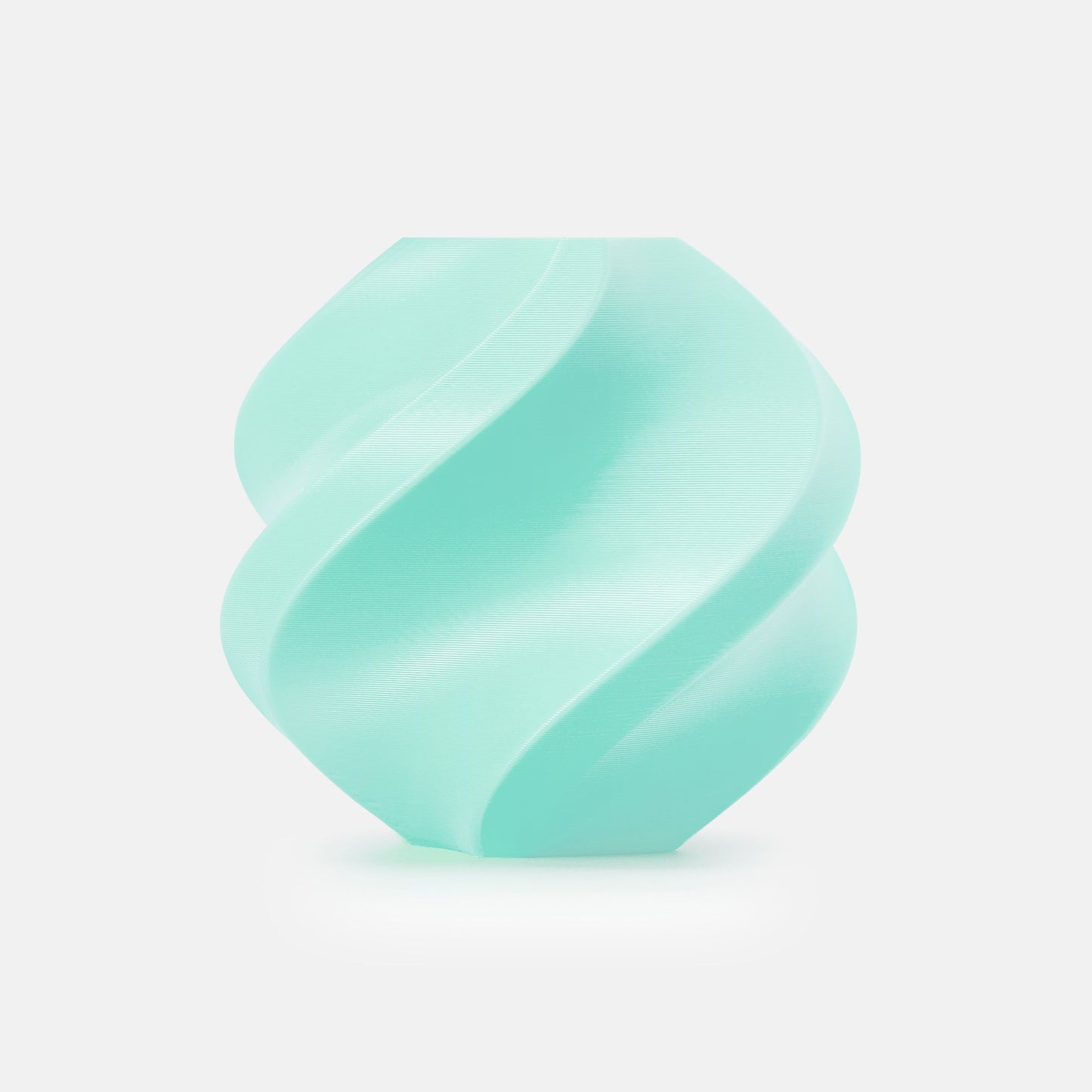


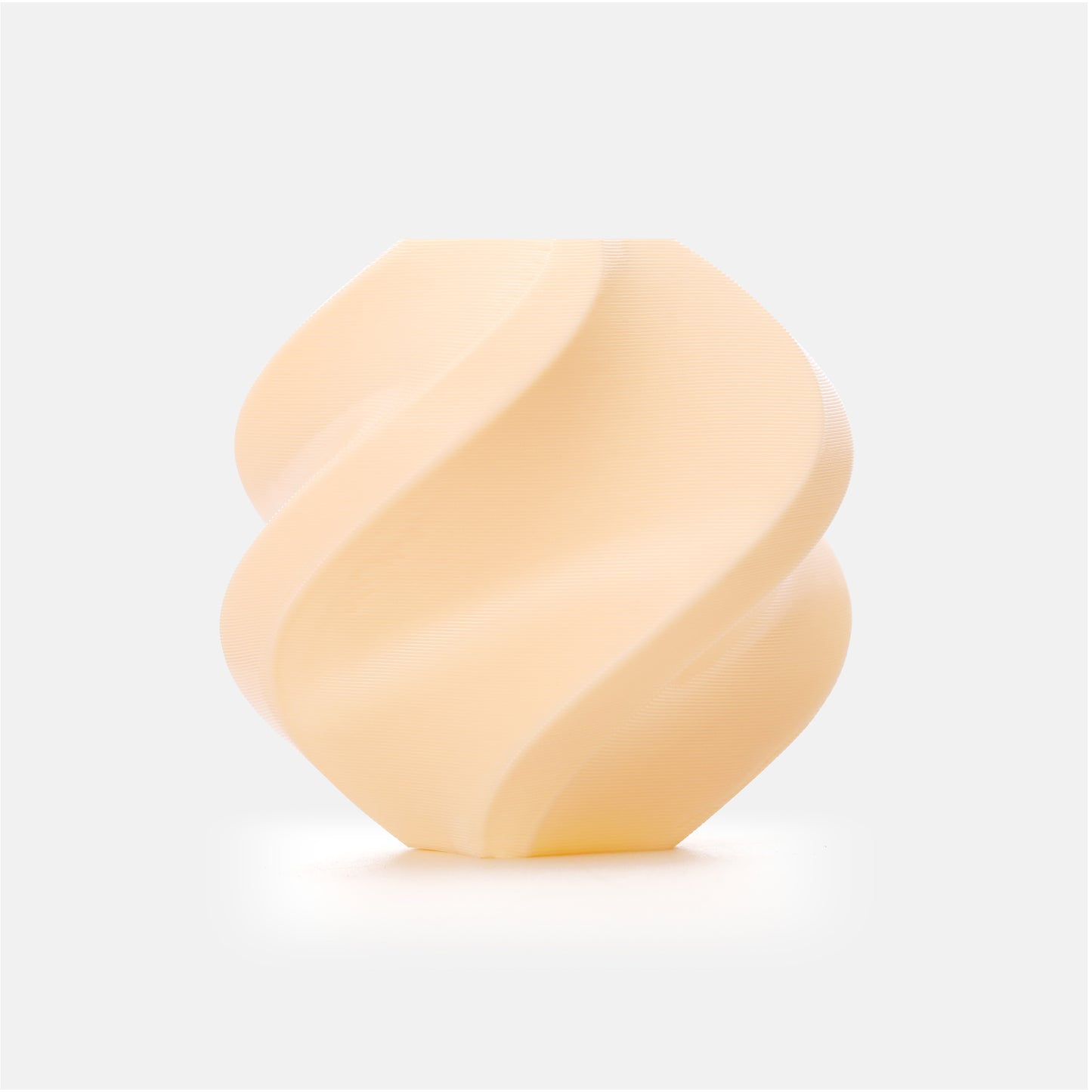
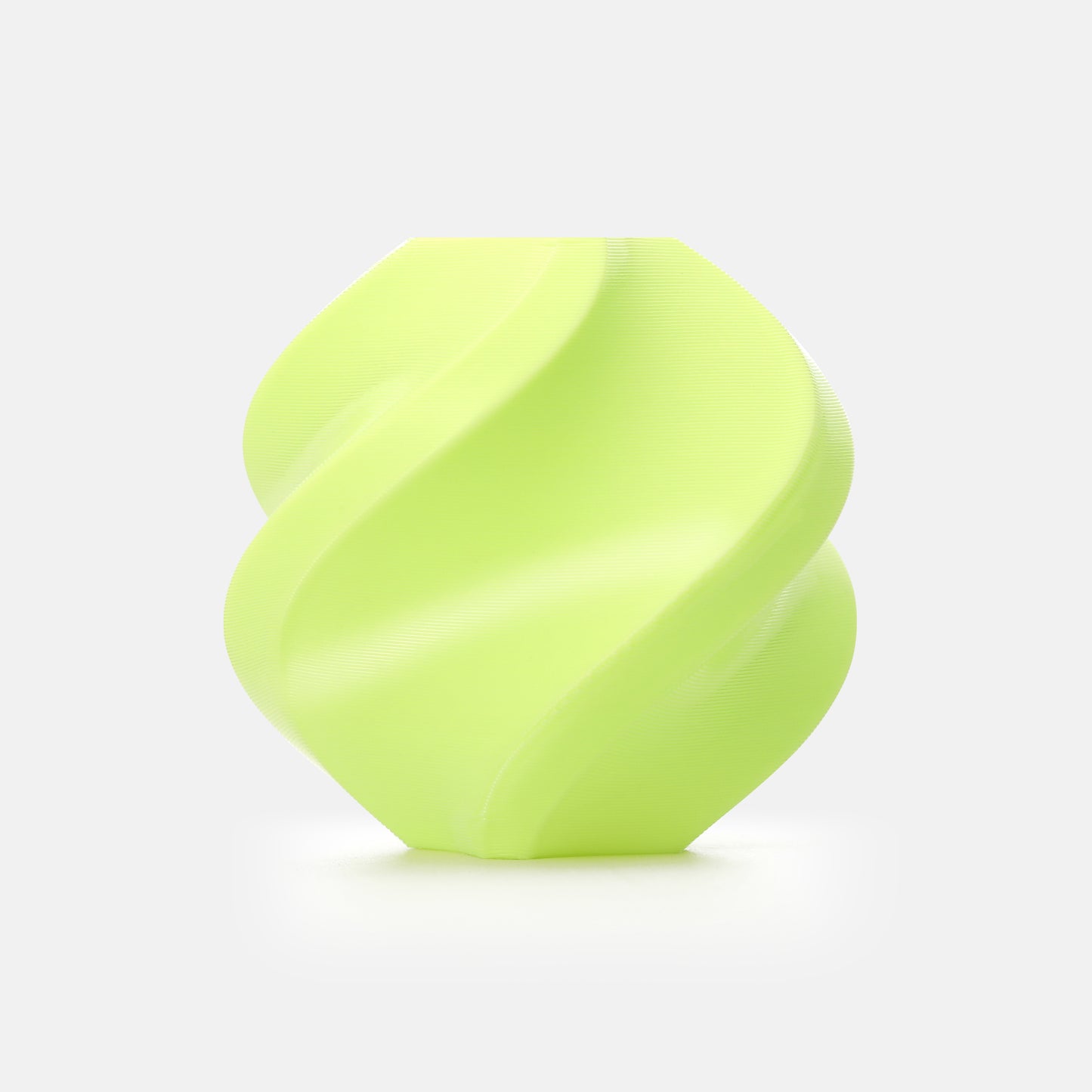
Bamboo Lab TPU 85A
Product features
-
The softest Bamboo TPU
-
The best choice for shock absorption
-
Outstanding wear resistance for long-lasting performance
-
Multi-material print with PLA / PETG
-
Includes reusable high temperature coil
-
Diameter: 1.75mm +/- 0.05mm
Caution when using
-
Must be dried before use
-
AMS & AMS Lite are not compatible
Note:
Due to the softness of TPU 85A and 90A, please read the printing instructions on Wiki carefully before purchasing to ensure the best printing experience and understand the requirements.

Bamboo TPU 85A & TPU 90A
The softest Bambu TPU has arrived! Engineered for exceptional flexibility and resilience, it is ideal for printing parts that require springiness, such as grips, shock absorbers and protective covers. Additionally, Bambu TPU 90A can be seamlessly printed with PLA and PETG* through beam interlocking in dual-nozzle printers like the Bambu Lab H2D, making the fusion of hard and soft filaments a reality. Find your long-awaited model files and start printing today!
* All Bambu PLA and PETG series support printing with Bambu TPU 90A.
TPU 85A & 90A: The best choice for shock absorption
Engineered for durability and flexibility, Bambu TPU 85A and 90A are the perfect filaments for shock absorption and soft support, making them ideal for applications such as upholstery, medical support bands, and protective gear.
Bambu TPU 85A – The softest in Bambu's range, offering exceptional flexibility and resilience. Perfect for shock-absorbing parts such as protective cases, soft fidget toys and soft cushions/spring elements.
Bambu TPU 90A – With a higher hardness, it provides greater structural integrity, making it ideal for shoe soles, RC tires, and functional components that require both flexibility and strength.
Both filaments deliver impressive abrasion resistance, ensuring long-lasting performance even after repeated bending—making them the obvious choice for demanding applications.

Seamless multi-material print: Strong in structure, soft to the touch*
Bambu TPU 90A can be printed seamlessly with all Bambu PLA and PETG series, allowing you to create prints that combine flexible and rigid filaments through beam interlocking in Bambu Studio. From seat cushions and helmet padding to tool grips and more—design freely to achieve the perfect balance of stiffness and softness. Bambu filaments allow you to expand the functionality of your prints.
*This feature is exclusive to the Bambu TPU 90A and compatible dual-nozzle printers such as the Bambu Lab H2D.

Exclusive single coil gradient aesthetic
Bambu TPU 90A Blaze & Frozen creates a unique, soft gradient effect that only occurs once per spool. Specifically designed for printing large, continuous fashion objects such as wearables that require seamless color transitions.

Printer compatibility
| Printer | TPU 85A | TPU 90A | Multi-material print with PLA / PETG |
|---|---|---|---|
| H2D | Compatible (right filament input only) | Compatible (right filament input only) | TPU 90A only |
| X-series / P-series | Compatible | Compatible | Not supported |
| A-series | Not compatible | Compatible | Not supported |
Accessory compatibility
| Accessories | TPU 85A | TPU 90A |
|---|---|---|
| Nozzle compatibility – recommended | 0.6mm / 0.8mm | 0.4mm / 0.6mm / 0.8mm |
| Not supported | 0.2mm / 0.4mm / High Flow nozzle | 0.2 mm / High Flow nozzle |
Building board
-
Smooth PEI Plate
-
Textured PEI Plate
Glue
-
No glue required
AMS, AMS Lite, AMS 2 Pro
-
Not compatible
AMS HT
-
Compatible — please read the Wiki carefully for instructions on proper loading.
TPU 85A & TPU 90A Hex Code Table
| Color | Hex Code | Display |
| Light Cyan | #C3E2D6 | |
| Neon Orange | #F68B1B | |
| Frozen | #FFFFFF;#40B6E4 | |
| Blaze | #F1AAA8;#D21B3C | |
| White | #FFFFFF | |
| Black | #000000 |
TDS of Bamboo TPU 90A
Recommended printer settings
| Setting | Value |
|---|---|
| Drying settings (Blast Drying Oven) | 70°C, 8 hours |
| Printing and storage humidity | < 20% RH (sealed, with desiccant) |
| Nozzle temperature | 200–250°C |
| Bed temperature (with glue) | 30–35°C |
| Print speed | < 200 mm/s |
Physical properties
| Property | Value |
|---|---|
| Density | 1.24 g/cm³ |
| Vicat softening point | REACH |
| Heat deflection temperature | REACH |
| Melting temperature | 180°C |
| Melt Index | 9.36 ± 2.8 g/10 min |
Mechanical properties
| Property | Value |
|---|---|
| Tensile strength | 12.5 ± 0.8 MPa |
| Elongation at Break (Elongation at Break) | > 650% |
| Flexural modulus | REACH |
| Bending strength | REACH |
| Impact strength | REACH |
Download INFO ABOUT TPU 90A
TDS of Bamboo TPU 85A
Recommended printer settings
| Setting | Value |
|---|---|
| Drying settings (Blast Drying Oven) | 70°C, 8 hours |
| Printing and storage humidity | < 20% RH (sealed, with desiccant) |
| Nozzle temperature | 200–250°C |
| Bed temperature (with glue) | 30–35°C |
| Print speed | < 200 mm/s |
Physical properties
| Property | Value |
|---|---|
| Density | 1.18 g/cm³ |
| Vicat softening point | REACH |
| Heat deflection temperature | REACH |
| Melting temperature | 180°C |
| Melt Index | 8.76 ± 2.6 g/10 min |
Mechanical properties
| Property | Value |
|---|---|
| Tensile strength | 12.0 ± 0.8 MPa |
| Elongation at Break (Elongation at Break) | > 700% |
| Flexural modulus | REACH |
| Bending strength | REACH |
| Impact strength | REACH |
Download INFO ABOUT TPU 85A
Printing tips
• TPU 85A and 90A require very precise printing conditions. Before printing, you should carefully read the Printing Guide for TPU 85A & TPU 90A on the wiki for best results.
Drying conditions
| Equipment | Drying settings |
|---|---|
| Blast drying oven | 70°C, 8 hours |
| H2D | 90°C, 16 hours |
| X-series | 90°C, 16 hours |
| AMS HT | 75°C, 18 hours |
• To avoid the spool becoming deformed and no longer fitting in the drying box, it is recommended to use a large drying box. For more details on drying conditions, read the section on filament drying on the wiki .
• It is not recommended to increase the maximum volumetric speed. Please use the default speeds when printing.
• All parameters for Bambu TPU 85A & 90A are already preset. Turn off Flow Dynamics Calibration so that the settings match the fine-tuned values.
• Bambu TPU 90A does not support printing with filament types other than PLA and PETG series, and Bambu TPU 85A does not support full multi-material printing. For instructions on multi-material printing with PLA/PETG, please refer to the H2D Soft and Hard Filament Multi-Material Printing Guide .
• To keep your TPU prints clean and bright in color, it is recommended to avoid dark PLA as a support material.
Filament discharge
• For detailed instructions for unloading filament, see the wiki .
X-series / P-series
• Do not press Unload when changing filament, as uncut TPU may get stuck in the extruder.
• Heat the nozzle to 250°C, then pull the filament back through the extruder and pull it out manually.
H2D
• It is allowed to press Unload for automatic rewind.
• If you print TPU regularly, the filament knife should remain at the right inlet as it wears out faster when printing TPU.
Gradient length
• Please note that the gradient effect in Bambu TPU 90A Blaze and Bambu TPU 90A Frozen only appears once on a 1 kg filament spool.
What's in the box?
