


 BUY NOW AND GET FREE SHIPPING
On all orders over 500,- (DK only)
BUY NOW AND GET FREE SHIPPING
On all orders over 500,- (DK only)
 1-2 DELIVERY DAYS
Order before 12 noon and we will ship the same business day
1-2 DELIVERY DAYS
Order before 12 noon and we will ship the same business day
 14 DAY RETURN RIGHT


Campaign ending in
00D
:
00H
:
00M
:
00S
Regular price
139,00 DKK
Regular price
149,00 DKK
Sale price
139,00 DKK
Unit price
per
Tax included.
Shipping calculated at checkout.
Couldn't load pickup availability
12 in stock : 1-2 weekdays


Free shipping on orders over 500 DKK in DK

Ships from Roskilde DK

Local service center in Roskilde

1 year warranty

Customer Service
Email: hello@3dsaga.com
Phone: +45 69 15 31 11
All weekdays from 10:00 - 15:00
Showroom:
Monday - Thursday: 09:30 – 15:30
Friday: 09:30 – 15:00


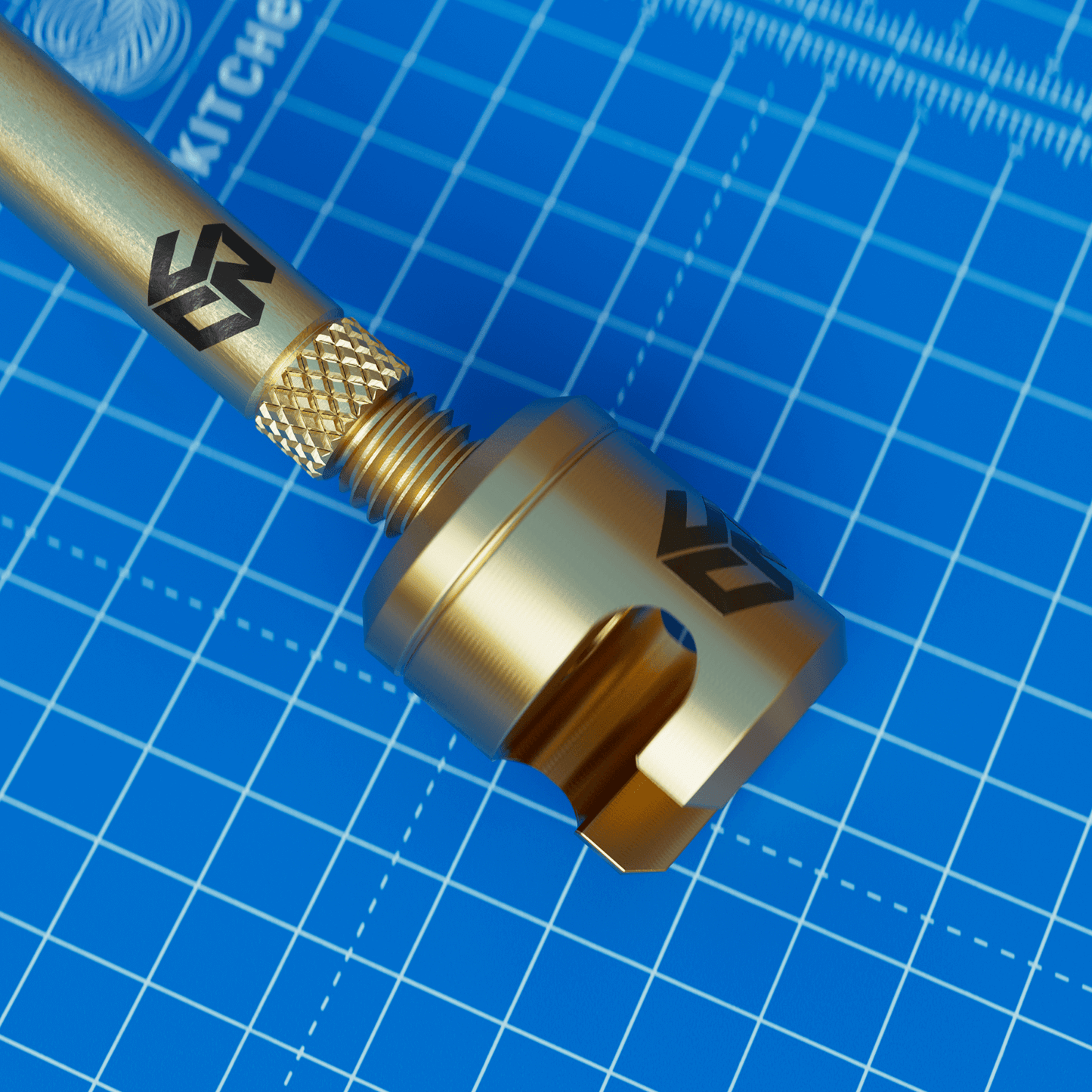
Easy extraction of M2, M2.5 and M3 thread inserts.
This is their V2 which means it heats up 42% faster than V1.
CNCKitchen has developed this handy little gadget that you screw onto your soldering iron and you can also remove old inserts from your 3D print either for recycling or waste sorting. This requires you to purchase one of their adapters for M5.
Included:
- Extraction tool compatible with CNCKitchen M5 Adapters (Sold separately)
- 5 pcs: M2, M2.5 and M3 copper screws for optimal heat conduction
NOTE!:
- Make sure your soldering iron can withstand drafts and the tip won't fall off.
- Give the insert plenty of time to absorb the heat. When the plastic becomes soft, you can pull gently.
- Avoid using force, the insert should be able to be pulled straight out without any problems. If not, heat it up more.
- Only use copper screws! Ordinary steel screws do not conduct heat well!
