


What's New with the Prusa Core One+?
Explore CORE One+: New Features, Upgrades, and INDX
We have released another product in recent months that deserves a proper introduction: let's talk about the CORE One+! It's the next step in the evolution of the CORE One, featuring a range of improvements that ensure an even smoother workflow. We'll go through the new features, show you how to upgrade your CORE One for free, and explain how INDX fits into the bigger picture.
What happened to CORE One?
When we introduced the CORE One in 2024, we knew we would continuously improve it – just as we did with our popular MK series. A year later, this effort has taken its final form: CORE One+!
In classic Prusa fashion, you can easily upgrade your original CORE One to the Plus version. You can either print all necessary parts from Printables or purchase our official upgrade kit for a modest price. More on that below.

However, there's no compulsion to upgrade. Your CORE One will continue to deliver perfect prints and receive support for many years to come. The core functionalities remain unchanged – as does compatibility with a wide range of extensions, including the upcoming INDX multi-material upgrade from Bondtech.
New Features in CORE One+
CORE One+ includes all software updates we have released since the launch of CORE One. This means even better print quality with reduced VFAs (Vertical Fine Artifacts) and smoother operation right from the start.
In addition, we have added hardware improvements developed for the CORE One L. When developing a smart feature for a new printer, we always consider how other models can benefit from it – and they can!
Here are the improvements that the "Plus" version has inherited from its larger sibling:
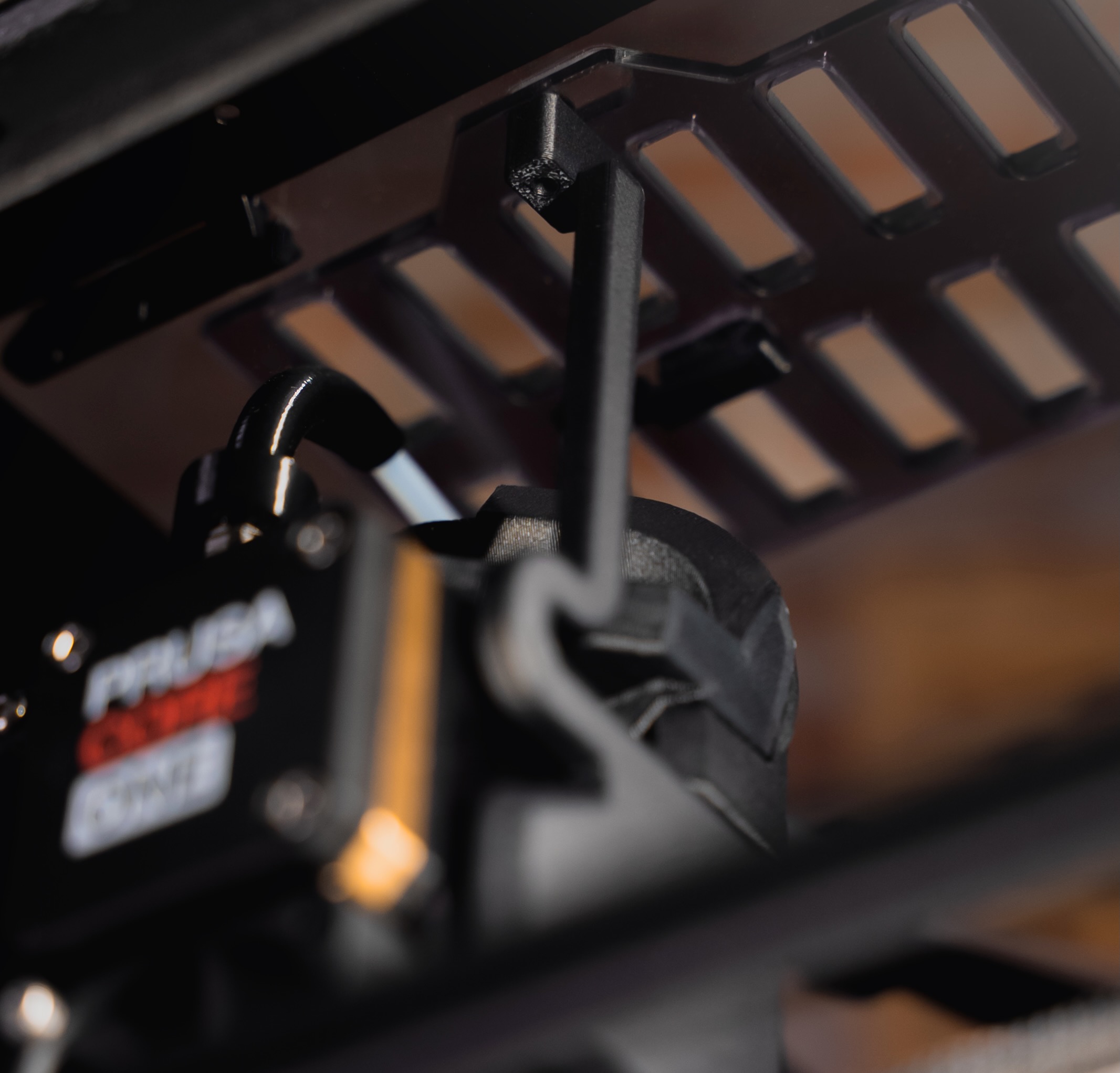
Automatic top vent control
The Nextruder automatically opens the ventilation opening for low-temperature materials (PLA/PETG) and closes it for high-temperature materials (ABS, PCCF, etc.), ensuring optimal temperature conditions for the selected filament at all times. The best part? It happens completely automatically – you don't need to manually check the vent before each print.
Easy loading of flexible filaments
Feeding flexible filament through a PTFE tube can be challenging. With the redesigned filament entry point and a manual switch, you can now load flexible materials quickly and effortlessly.
Redesigned spool holder
A modular spool holder with a bayonet lock, which can be easily replaced with a wider version for 2 kg Prusament spools. You can even use it to mount our new drybox.
The combination of fine-tuned firmware and hardware improvements provides the best possible print quality and a more efficient workflow.

Time to upgrade!
Want to upgrade your CORE One right away? You have two options:
-
Print all the parts yourself (available for free on Printables) and reuse magnets and screws from your existing printer.
-
Buy the official upgrade kit in our e-shop.
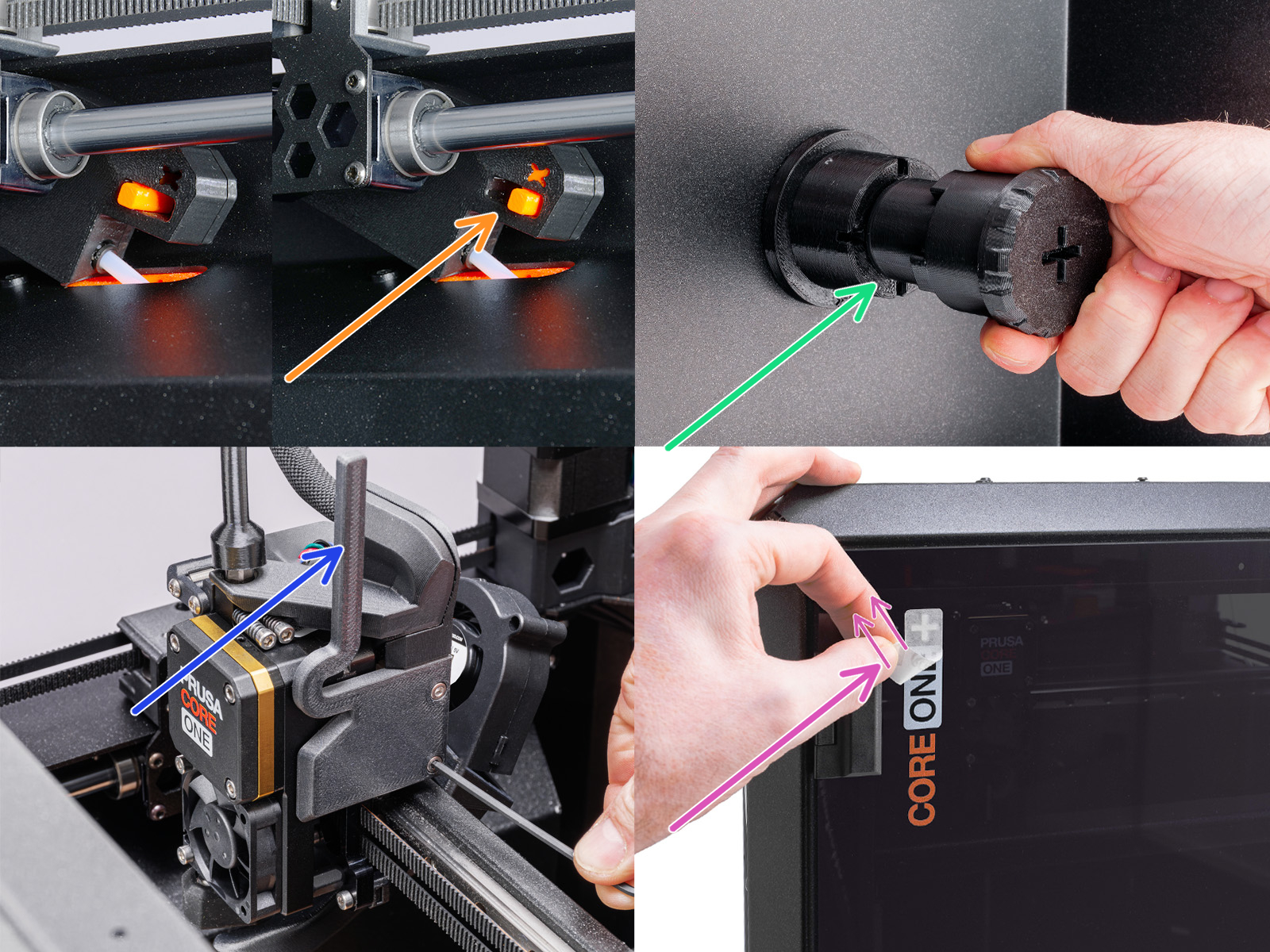
The upgradable parts:
Nextruder & Top Panel
New Nextruder cover with extended arm and vent block for automatic grille opening.
Side-mounted Filament Sensor
Completely new housing, cover, arm, and switch, replacing the original sensor and reusing the non-printed parts.
Spool Holder
Consists of a universal puck, the holder itself, and a rubber O-ring.
If you purchase the official kit, you'll receive all parts together and simply follow the " Upgrade from CORE One to CORE One+" manual. A "+" sticker for the door is even included.
DIY Upgrade
If you choose the maker approach, the community manual is your best guide. On Prusa's Printables account, you'll find all parts organized by assembly, material, and recommended color.
You can reuse metal parts, screws, magnets, and a steel ball from the disassembled CORE One (e.g., the old filament sensor). The only thing you'll need to source yourself is an O-ring (25 × 3.5 mm) for the spool holder. It can be found in most hardware stores – or you can print a TPU 95A version from community remixes.
There are also community designs for 2 kg spool holders and other useful improvements, so it's worth taking a look.
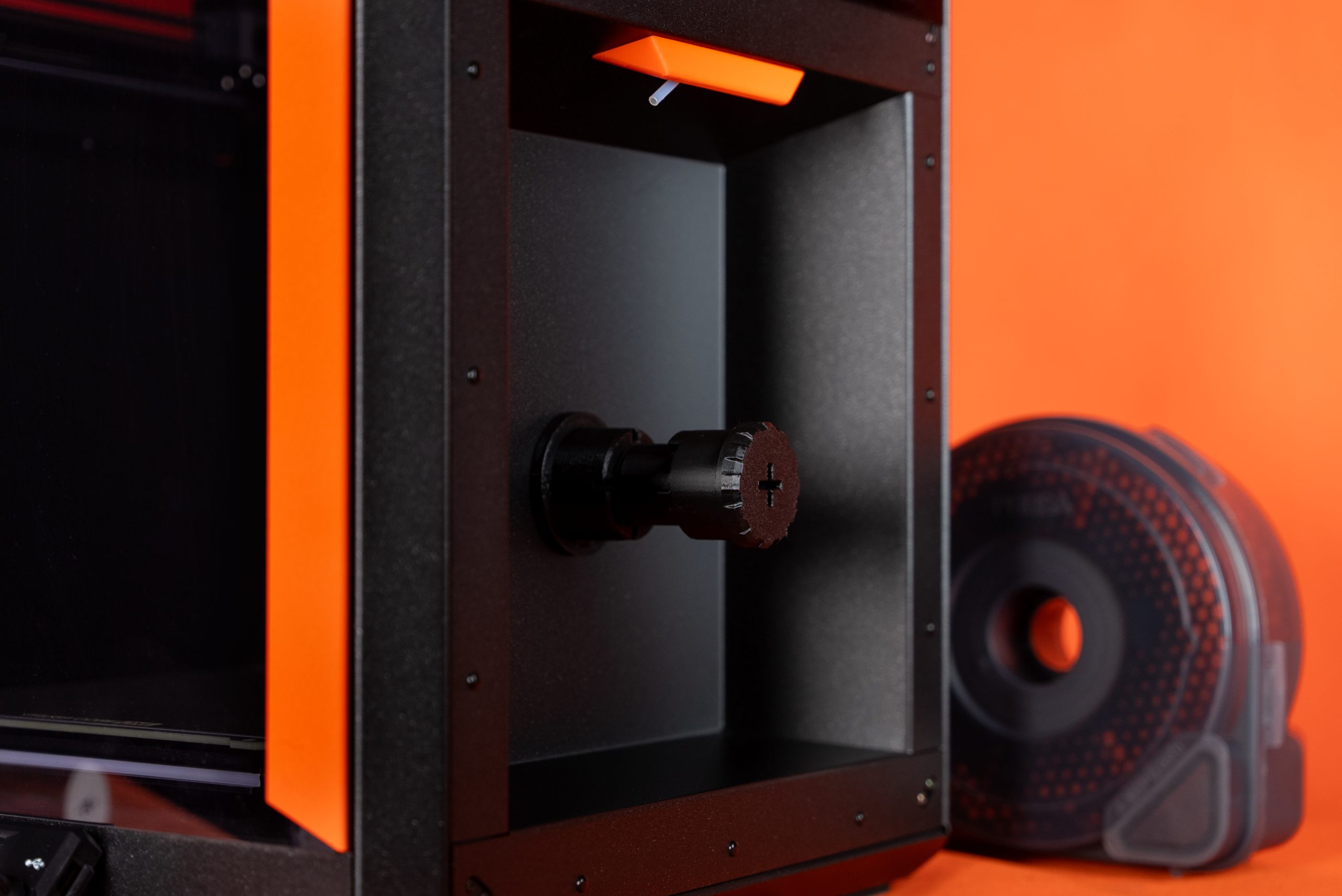
The official upgrade kit includes some extra screws, which makes certain printed parts a bit thicker. The community version is optimized to reuse as many original screws as possible. Apart from this small difference, the versions are identical.
Once all parts are ready, you can also follow the detailed manual from Prusa Help.
Avoid Confusion
On the Prusa Help page, CORE One and CORE One+ are displayed as separate printers. This keeps the manuals clear.
If you don't upgrade – for example, because you want to go directly to the INDX extension – you'll find all manuals and firmware for CORE One at prusa.io/core-one.
For the Plus version, the material can be found at prusa.io/core-one-plus. Here, the "+" mark on the door makes perfect sense – so you always know which version you're working with.

Software Compatibility
The primary difference between CORE One and CORE One+ lies in the hardware upgrades.
PrusaSlicer profiles and G-codes are fully compatible with both versions. Therefore, you will often only see "CORE One" listed. The same applies to firmware, Prusa Connect, PrusaApp, and EasyPrint – regardless of the hardware upgrade, both designations can be used.
Firmware Upgrade and Automatic Ventilation Control
Whether you followed the community guide or the official manual, one step is crucial: upgrade to the latest firmware (6.4.0).
Both printer versions use the same firmware, but the latest version includes the necessary function for the upgrade: Chamber Vent Control.
You'll find it under Settings → Hardware on the printer. Set it to Auto, and the printer will automatically open and close the ventilation grille based on the loaded material.
What about the INDX Upgrade?
One of the biggest news we presented at Formnext 2025 is the INDX upgrade from Bondtech. This affordable addition transforms your CORE One/+ into a multi-material machine with up to 8 tool heads.
You're probably wondering about compatibility with the printer model – no need to worry. When the INDX system is added, the top cover, spool holder, and filament guide are replaced to accommodate the multi-material system. This means you can mount the INDX upgrade on both CORE One and CORE One+ – it's ready for both machines!
